
Android devices are incredibly versatile, offering features and customization options that can transform how you use your smartphone or tablet. However, many users only scratch the surface of what their Android devices can do. By tapping into hidden settings, using specialized apps, and optimizing your device’s capabilities, you can unlock its full potential. Here’s how to make the most of your Android device.
Customize Your User Interface

One of the greatest strengths of Android is its customizability. You can personalize your home screen, widgets, and even the entire interface to suit your preferences. Start by exploring Android launchers like Nova Launcher or Microsoft Launcher, which offer extensive customization options for layout, gestures, and themes.
Widgets can also boost your productivity. Add weather updates, calendars, or task lists directly to your home screen for instant access. Don’t forget to explore dynamic wallpapers or live wallpapers, which can make your device visually stunning while remaining functional.
Master Hidden Features and Gestures
Android devices are packed with hidden features and shortcuts that can save you time and improve efficiency. For instance, you can enable developer options by tapping the build number in your settings multiple times. This unlocks advanced settings like USB debugging, custom animation speeds, and more.
Gesture navigation is another powerful tool. Many Android devices allow you to swipe or tap in specific ways to switch apps, take screenshots, or access the notification bar. Familiarizing yourself with these gestures can make your device feel more intuitive and responsive.
Enhance Performance with Optimization Tools
To keep your Android device running smoothly, it’s essential to manage resources effectively. Use built-in tools or third-party apps to clear cache, free up storage, and manage background apps.
Apps like SD Maid and Files by Google help you clean up junk files and organize your storage. Meanwhile, battery optimization tools like Greenify can extend battery life by putting unused apps into hibernation. Regularly checking for software updates also ensures your device benefits from the latest performance improvements and security patches.
Explore Advanced Camera Features
Many Android devices boast powerful cameras with advanced capabilities that are often underutilized. Explore your camera’s pro mode to manually adjust settings like ISO, shutter speed, and focus for professional-quality shots.
If your stock camera app feels limiting, try third-party apps like Google Camera (GCam) or Adobe Lightroom, which provide enhanced features like HDR, night photography, and advanced editing tools. With a little practice, your Android device can double as a high-quality camera for both personal and creative use.
Automate Tasks with Smart Apps
Task automation can significantly enhance your Android experience. Apps like Tasker and IFTTT (If This Then That) allow you to create automated workflows. For instance, you can set your device to silence notifications during meetings, turn on Wi-Fi when you get home, or send auto-replies to specific contacts.
Google Assistant also offers robust automation capabilities. With voice commands or routines, you can control smart home devices, set reminders, or get instant updates on your schedule.
Secure Your Android Device
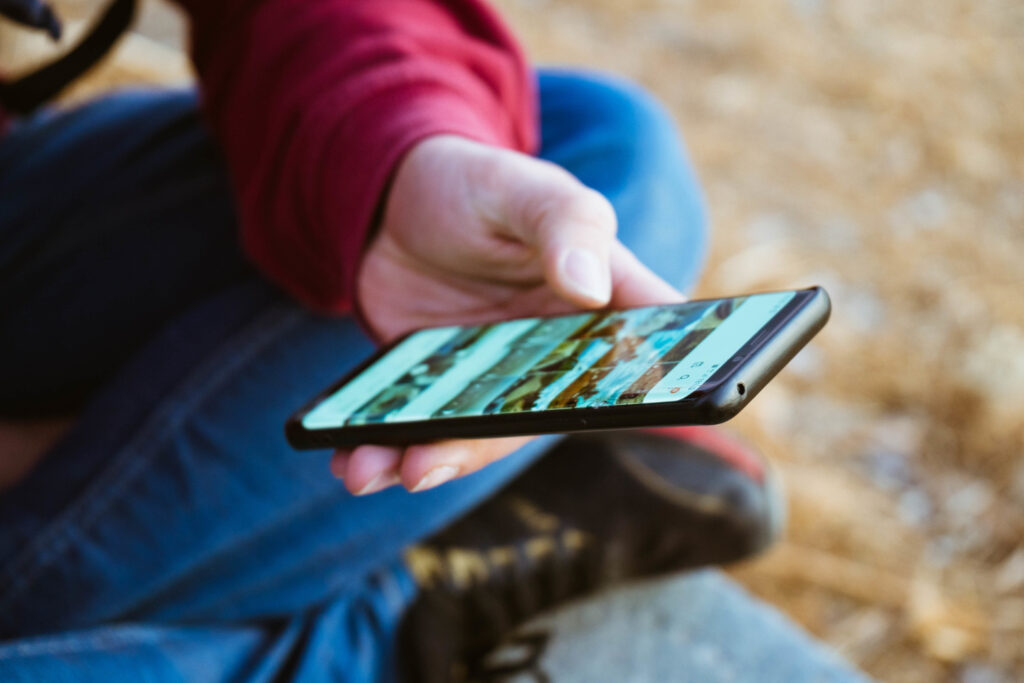
Unlocking your device’s potential also means securing it. Take advantage of Android’s security features like biometric authentication, encrypted storage, and Find My Device for locating lost or stolen phones.
Additionally, install security apps like Bitdefender Mobile Security or Avast Mobile Security to protect against malware and phishing attempts. Keeping your device secure ensures you can explore its capabilities without risking data breaches or unauthorized access.
Android devices are powerful tools that can be tailored to fit your lifestyle and needs. From customizing the interface and optimizing performance to exploring hidden features and enhancing security, there are endless ways to unlock the potential of your device. Take the time to explore these tips and discover how your Android device can become a truly indispensable companion.






Leave a Reply