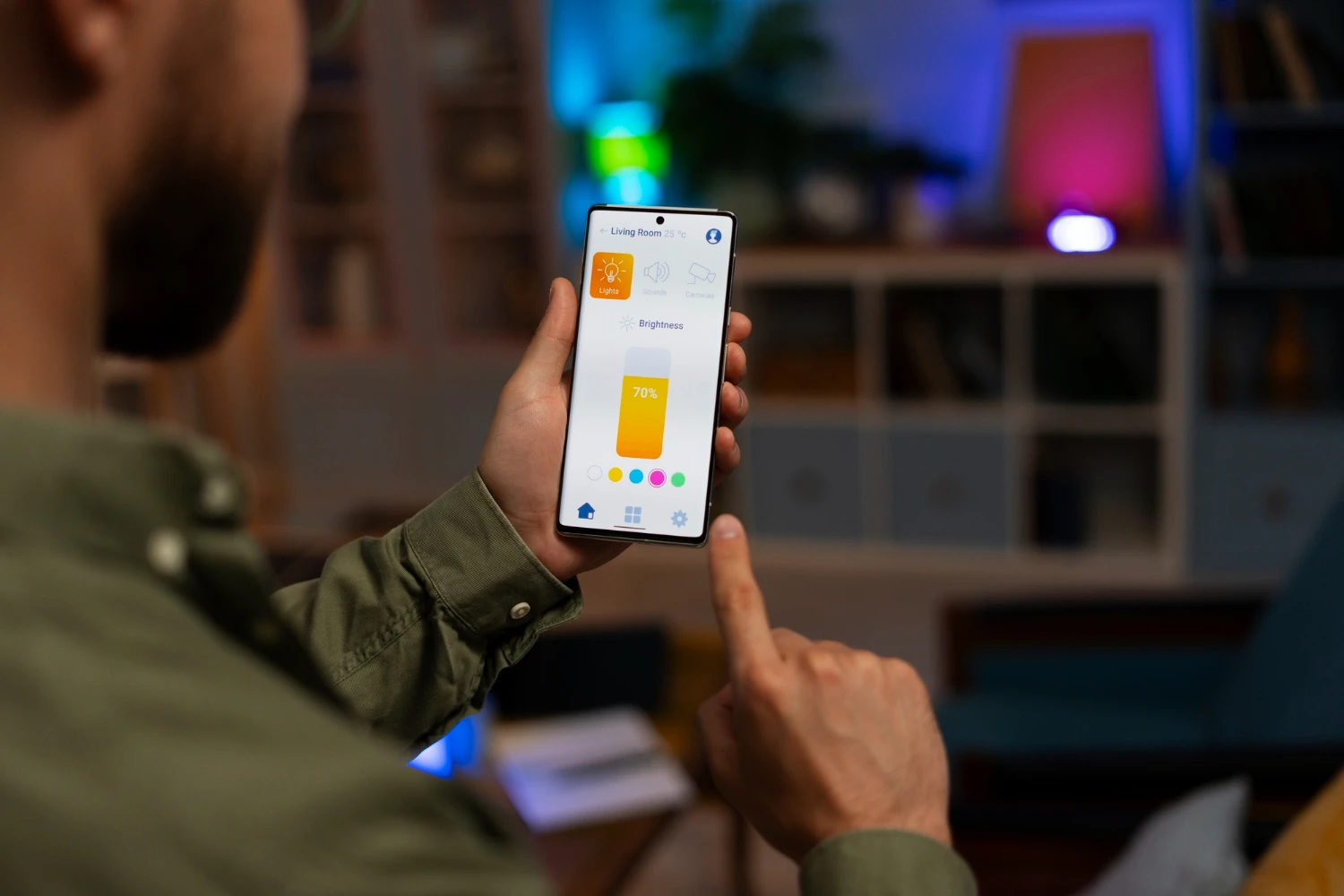
Your Android device is more than just a phone—it’s a powerful tool capable of streamlining your daily tasks, enhancing productivity, and providing endless entertainment. Yet, many users fail to utilize its full potential. By diving into lesser-known features, optimizing performance, and customizing the interface, you can take your Android experience to the next level. Here’s how to get the most out of your Android device.
Personalize Your Device Like a Pro
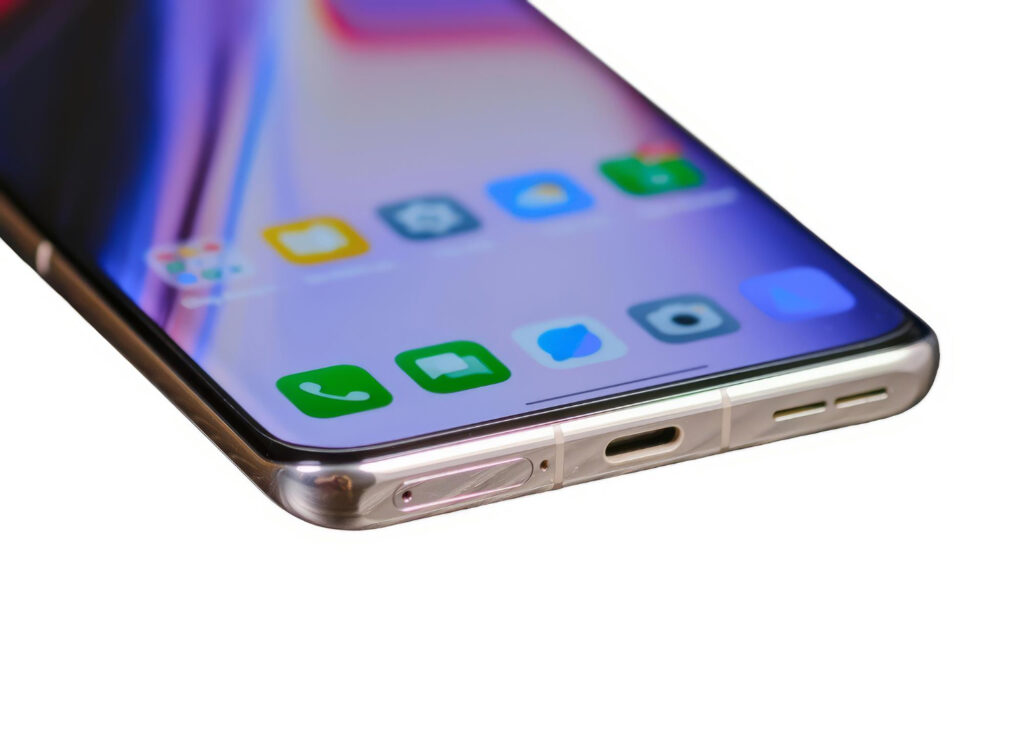
Android offers unparalleled customization options, allowing you to tailor your device to fit your style and needs. Start with launchers like Nova Launcher or Action Launcher, which let you redesign your home screen layout, icons, and gestures.
Don’t stop there—experiment with custom widgets to place essential information like weather updates, calendars, and notes right at your fingertips. Live wallpapers and themes from apps like Zedge can add an extra layer of personalization, making your device uniquely yours. With a few tweaks, your Android device can look and feel completely different from anyone else’s.
Discover Hidden Settings and Shortcuts
Android devices are packed with hidden settings and shortcuts that can improve your experience. Access Developer Options by tapping the build number in the “About Phone” section of your settings multiple times. This unlocks advanced features like faster animations and USB debugging.
Gestures also make navigation smoother. Swipe to access the notification panel, switch apps, or take screenshots. Some devices include exclusive features, like Samsung’s Edge Panel or Google Pixel’s Now Playing, which identifies songs playing nearby. Learning these shortcuts can save time and make everyday tasks more convenient.
Boost Performance and Battery Life
Over time, your Android device may slow down due to cluttered storage and background processes. Regular maintenance can help keep it running at peak performance.
Clear cache and delete unused apps to free up space. Tools like Files by Google or CCleaner can help you organize files and remove junk. For better battery life, activate Battery Saver mode and adjust screen brightness. Apps like Greenify can hibernate apps that drain your battery in the background.
Additionally, ensure your device is running the latest software updates. Updates not only improve performance but also include critical security patches to protect your device.
Supercharge Your Photography Skills
Modern Android devices feature impressive cameras with advanced capabilities, but many users rely solely on auto mode. Switch to Pro Mode to manually adjust settings like ISO, shutter speed, and focus for better control over your shots.
Third-party camera apps like GCam (Google Camera) or Camera FV-5 can enhance your photography with features like HDR+ and advanced filters. For post-editing, apps like Snapseed or Lightroom let you fine-tune images with professional-grade tools. Whether you’re snapping selfies or shooting landscapes, these tips can help elevate your photos.
Automate Tasks for Greater Efficiency
Task automation is one of the most underrated features of Android. Apps like Tasker and Automate allow you to set triggers and actions, such as muting your phone during meetings or sending automated replies when driving.
Google Assistant is another powerful tool for automation. Create custom routines to control smart home devices, set reminders, or play music with a single voice command. With a bit of setup, your device can handle repetitive tasks, saving you time and effort.
Secure Your Digital Life

Maximizing your Android experience includes protecting your device and data. Enable biometric security features like fingerprint or face unlock for quick and secure access. Use Find My Device to locate your phone if it’s lost or stolen.
Install a reliable security app like Norton Mobile Security or Malwarebytes to protect against malware and phishing attempts. Regularly backup important data using Google Drive or other cloud storage services to ensure it’s safe, even if your device is compromised.
Your Android device is brimming with features and potential, waiting to be discovered. By customizing your device, optimizing its performance, and utilizing advanced tools, you can transform how you interact with your phone. Take the time to explore these options, and you’ll find that your Android device is more than capable of handling anything you throw at it. With a few adjustments, you’ll truly maximize your Android experience.






Leave a Reply