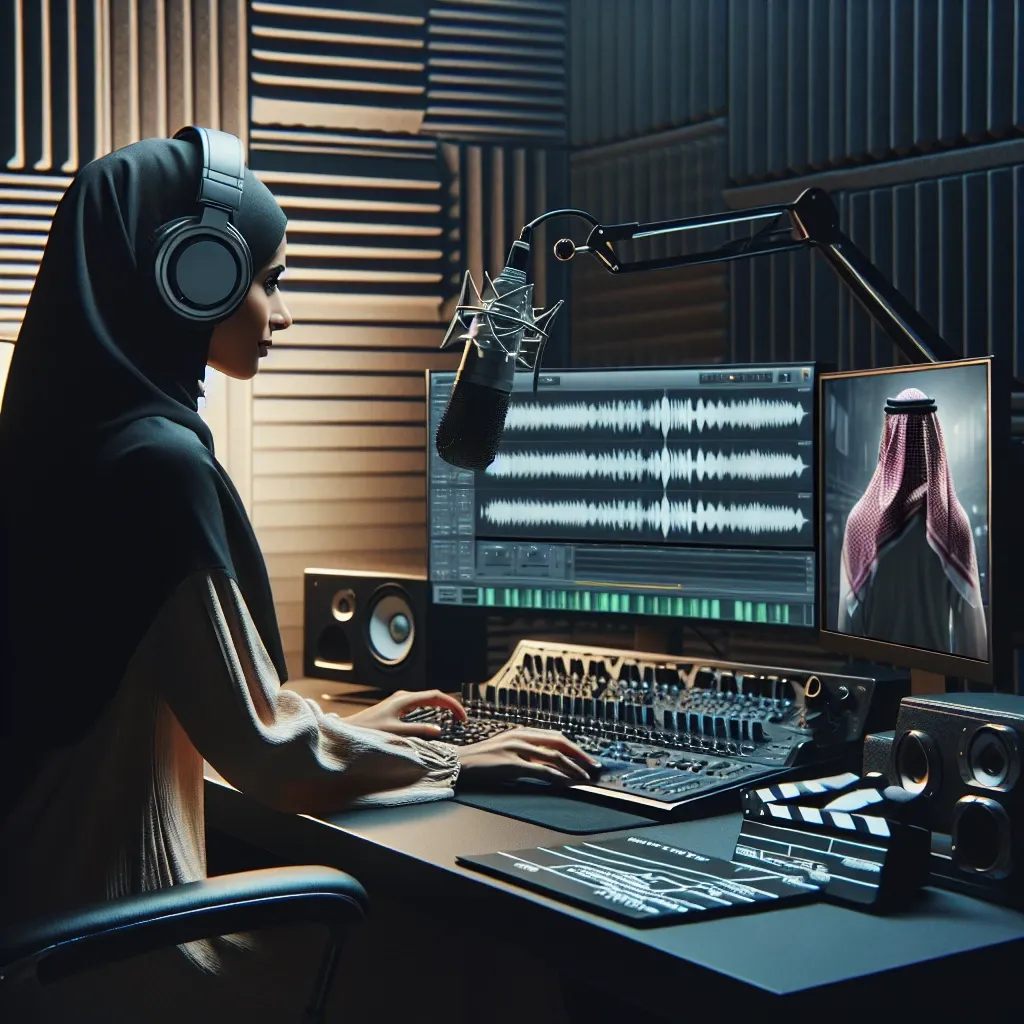
Understanding Audio-Video Synchronization Fundamentals
Audio-video synchronization represents one of the most critical aspects of professional content creation. When external audio recordings don’t align properly with video footage, the result can be jarring and unprofessional. This comprehensive guide explores various methodologies, tools, and techniques that content creators, filmmakers, and video editors employ to achieve seamless synchronization between separate audio and video tracks.
The process of syncing external audio with video has evolved significantly over the past decade. Modern digital workflows offer unprecedented precision, yet many creators still struggle with the fundamentals. Understanding the underlying principles of timecode, frame rates, and audio sampling rates forms the foundation for successful synchronization projects.
Essential Tools and Software for Audio Synchronization
Professional video editing software provides numerous options for audio-video synchronization. Adobe Premiere Pro offers automatic synchronization features that analyze waveforms and align audio tracks with remarkable accuracy. Similarly, Final Cut Pro includes sophisticated sync tools that can match external recordings with camera audio using advanced algorithms.
For those seeking specialized solutions, PluralEyes remains an industry standard. This dedicated synchronization software can process multiple audio and video files simultaneously, creating perfectly aligned sequences in minutes rather than hours. The software analyzes audio waveforms from both sources and automatically creates sync points based on matching patterns.
DaVinci Resolve provides another excellent option, particularly for creators working with limited budgets. This professional-grade software includes robust synchronization capabilities alongside comprehensive color grading and audio post-production tools. The automatic sync feature works exceptionally well with recordings that include reference audio from the camera.
Hardware Solutions for Field Recording
External audio recorders such as the Zoom H5 or Sound Devices MixPre series offer timecode synchronization capabilities. These devices can generate or receive timecode signals, ensuring frame-accurate synchronization during post-production. When properly configured, timecode eliminates guesswork and provides precise alignment regardless of recording duration.
Wireless audio systems like the Rode Wireless GO II or Sennheiser AVX series can simultaneously record to the camera and an external device. This dual-recording approach provides backup audio while maintaining synchronization reference points for post-production alignment.
Manual Synchronization Techniques
Despite technological advances, manual synchronization remains relevant in many scenarios. Visual sync points offer the most reliable method when automatic tools fail. Clapping hands, using a slate, or creating sharp audio transients provides clear reference points for alignment.
The waveform matching technique involves visually comparing audio waveforms from both sources. Most professional editing software displays waveforms graphically, allowing editors to identify matching patterns and align tracks manually. This method requires patience but offers complete control over the synchronization process.
Frame-by-Frame Alignment
Precise synchronization often requires frame-by-frame adjustment. Modern editing software allows editors to move audio tracks in single-frame increments, ensuring perfect lip-sync. This meticulous approach becomes essential when working with dialogue-heavy content or musical performances where timing accuracy directly impacts viewer experience.
Audio drift represents a common challenge in longer recordings. Even when initial synchronization appears perfect, audio and video may gradually drift apart due to slight differences in recording speeds. Regular sync checks throughout lengthy footage help identify and correct drift issues before they become problematic.
Advanced Synchronization Workflows
Multi-camera productions require sophisticated synchronization strategies. Professional workflows often involve creating proxy media with embedded timecode, allowing editors to work with lower-resolution files while maintaining frame-accurate synchronization. This approach significantly reduces processing time while preserving precision.
Broadcast-standard workflows utilize genlock and wordclock synchronization to ensure all recording devices operate at identical speeds. These professional standards eliminate drift issues and guarantee perfect synchronization across multiple audio and video sources.
Dealing with Variable Frame Rates
Modern cameras often record at variable frame rates, creating synchronization challenges in post-production. Converting variable frame rate footage to constant frame rates before synchronization prevents timing inconsistencies. Most professional editing software includes tools for frame rate conversion and standardization.
Audio sampling rate consistency proves equally important. Recording external audio at 48kHz matches most video production standards and ensures compatibility with professional editing workflows. Mismatched sampling rates can introduce subtle timing errors that accumulate over longer recordings.
Troubleshooting Common Synchronization Issues
Audio delay represents the most frequent synchronization problem. This issue often stems from camera processing delays or audio interface latency. Measuring and compensating for consistent delays across similar recording setups streamlines future synchronization workflows.
Drift correction requires identifying the rate of timing divergence between audio and video sources. Many editing applications include drift correction tools that can automatically adjust audio speed to maintain synchronization throughout extended recordings.
Quality Control and Verification
Professional synchronization workflows include multiple verification stages. Checking sync at regular intervals throughout the timeline ensures consistency across the entire project. Paying particular attention to dialogue scenes and musical segments helps identify areas requiring additional adjustment.
Reference monitoring becomes crucial during synchronization work. Using high-quality headphones or studio monitors allows editors to detect subtle timing discrepancies that might be missed with consumer-grade audio equipment. Professional monitoring reveals timing issues that could impact the final viewing experience.
Optimizing Workflow Efficiency
Batch processing capabilities in modern synchronization software dramatically improve efficiency for projects involving multiple clips. Setting up templates and presets for common recording scenarios reduces repetitive tasks and ensures consistent results across projects.
Keyboard shortcuts and custom workspace configurations accelerate the synchronization process. Most professional editing applications allow extensive customization, enabling editors to optimize their interface for synchronization-specific tasks.
Collaboration and File Management
Team-based projects require standardized synchronization procedures. Establishing clear naming conventions, folder structures, and sync verification protocols ensures consistency when multiple editors work on the same project. Documentation of sync methods and settings facilitates smooth collaboration and project handoffs.
Backup strategies should include both synchronized and original unsynchronized media. This redundancy protects against data loss while preserving the ability to re-synchronize if issues arise during later production stages.
Future-Proofing Your Synchronization Skills
Emerging technologies continue to evolve synchronization capabilities. Machine learning algorithms increasingly automate complex synchronization tasks, while cloud-based processing enables real-time collaboration on synchronization projects. Staying current with technological developments ensures continued efficiency and competitiveness in content creation markets.
Understanding fundamental synchronization principles remains valuable regardless of technological advances. Manual skills provide essential backup capabilities when automated tools encounter unusual scenarios or technical limitations.
The investment in proper synchronization techniques pays dividends in professional presentation quality and viewer engagement. Mastering these skills distinguishes amateur content from professional productions, directly impacting audience retention and project success rates.






Leave a Reply